How to achieve the best print results for DTG, DTF, screen print and embroidery?
To ensure that you receive the best print result possible, there are a few artwork guidelines to follow based on your print method (DTF, DTG, screen print and embroidery). This ensures that your merch comes out the way you expect it to!
You can download our full artwork guidelines page below
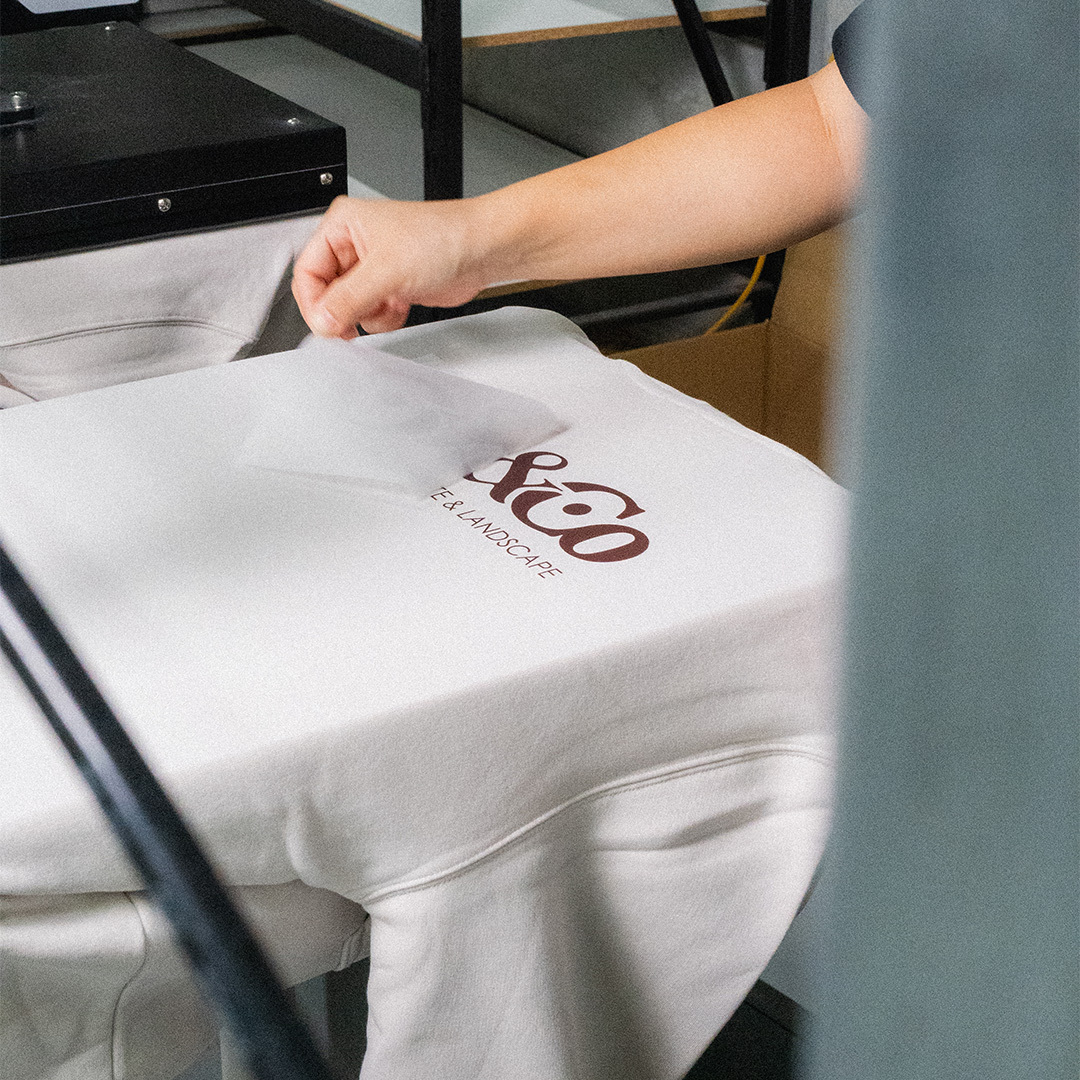
For DTG, DTF and Embroidery
- File types: We accept JPG/PNG files (vector is also accepted). We recommend supplying a PNG file where transparent backgrounds are required.
- File size: Our maximum print area is 355mm W by 455mm H for most apparel items and we recommend to create your artwork/design within this size. It will allow us to resize your design as required. If your image resolution is too low, the best solution is to recreate it.
- Minimum resolution: Files must be supplied with at least 150 DPI for DTG and 300 DPI for DTF at the final print size or larger for resizing.
- Colourspace (CMYK vs. RGB): DTG and DTF prints use CMYK for printing which means if you are designing an RGB image, once it is converted by our systems the colours may look quite different. We recommend to convert your image to the CMYK colourspace as this will give you a more accurate preview of your final colours.
- Neons and pastel colours: CMYK printing means we can not achieve the same brightness of neon colours like hot pink, highlighter yellow, neon green. Pastel colours will appear lighter/more muted once printed.
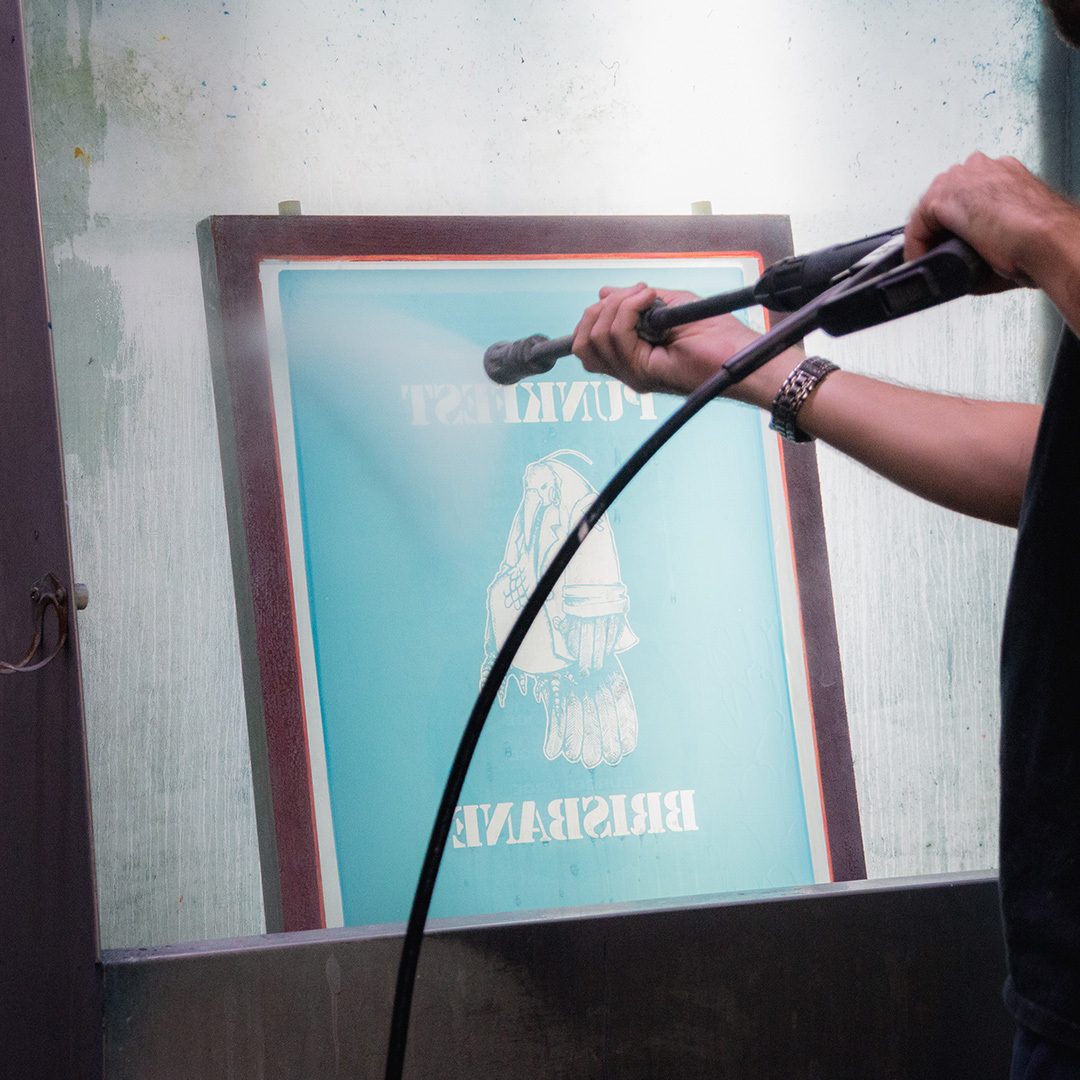
For Screen Print
- File types: Artwork files must be supplied as a vector file (eps, svg, AI) or a high-resolution PNG image (300 DPI and at final print size). Please note that if a PNG (raster image) file is provided, we have a design service available to get it print ready.
- Colour matching: Screen print is the only method that utilities Pantones, please provide your brands colours as PMS codes so that we can match it accurately.
- Convert fonts/shapes/strokes to outlines: Make sure all fonts and shapes have been converted to outlines, this ensures no errors occur when it is saved for print.
Other tips to follow
- Transparencies: DTG is the only method that prints transparencies, glows and faded edges well, but keep in mind that anything below 50% opacity will appear quite washed out or faded.
For DTF, all aspects of the design must be a solid colour as this method is prints a solid white underbase beneath all detail. This means the final result of a transparent image will look quite crackled when pressed onto a garment. If you want to keep the faded look using this print method, you could use a halftone texture through your design instead.
For both print methods we would recommend to use transparency to your advantege. Areas with black will appear grey on black garments so we recommend to make those areas 100% transparent for a nicer finish. - Minimum line and font size: For designs that have super fine details, our recommendation is to keep everything to at least 1mm in thickness and all text to be at least 10pt. This will help to ensure that your prints will be legible and lasts through wash and wear.
- AI generated imagery: While AI tools are great for creating concepts, they’re not known for producing high resolution images. We recommend you engage an experienced graphic designer to supply print-ready artwork for your brand that will stand the test of time.
Ready to take the next step?!
Browse products online or get in touch with our team for a personalised quote.